Copy, cut, paste & selection
G Kanban’s keyboard model focuses on one card at a time — there’s currently no multi-select. These shortcuts act on whichever card is focused (navigate with h/j/k/l or the arrow keys).
Cut & paste
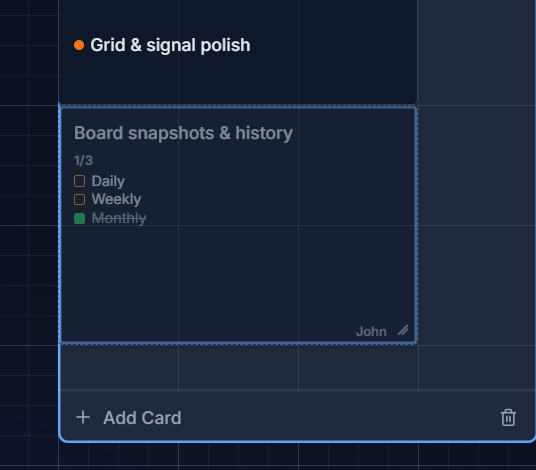
Section titled “Cut & paste”Press Ctrl/Cmd + X to cut the focused card — it dims to half-opacity to show it’s marked for moving. Focus a different column (and optionally a specific card, to land on that cell) and press Ctrl/Cmd + V to move it there.
Duplicate
Section titled “Duplicate”Press Ctrl/Cmd + D to clone the focused card into the same column. The duplicate gets a fresh id and timestamps, with checklist/history/archive state reset — and it’s focused immediately so you can start editing it. (Duplicate is bound to D, not C, so your browser/OS’s native copy shortcut stays free for copying text.)