Placing cards on the grid
Add a card with the Add Card button in a column, or focus the column and press N. Drag it anywhere on the grid to position it — a dashed ghost outline shows exactly which cells it will land on before you drop it.
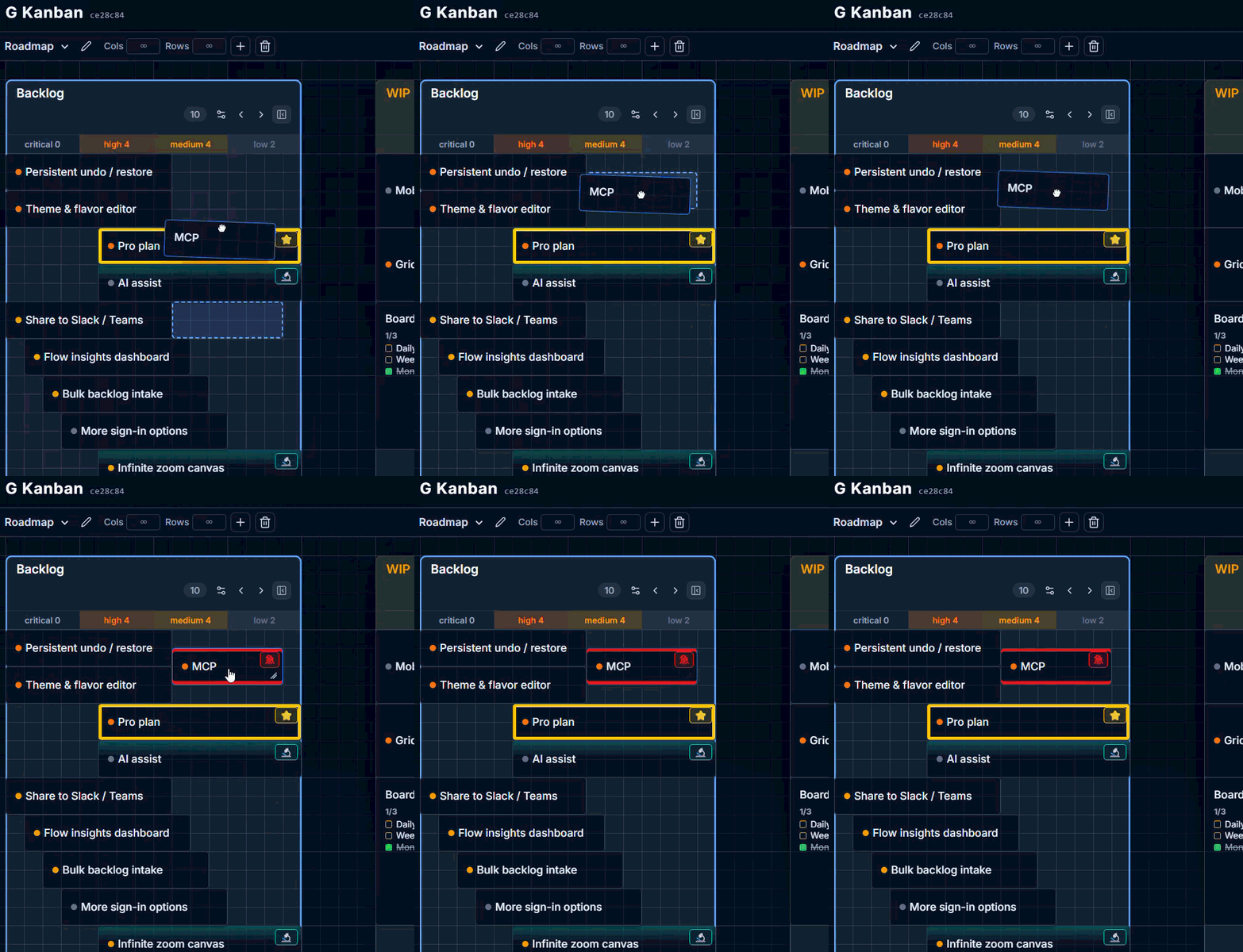
Cards resolve to whole grid cells, never arbitrary pixel positions, so the board stays visually consistent. Whether a card stays exactly where you drop it or gets packed toward the top of the column depends on that column’s layout mode — see Grid config.
Moving a card
Section titled “Moving a card”Drag an existing card to reposition it, or use cut (Ctrl/Cmd+X) and paste (Ctrl/Cmd+V) to move it into a different column with the keyboard — see Copy, cut, paste & selection.