Local vs. synced
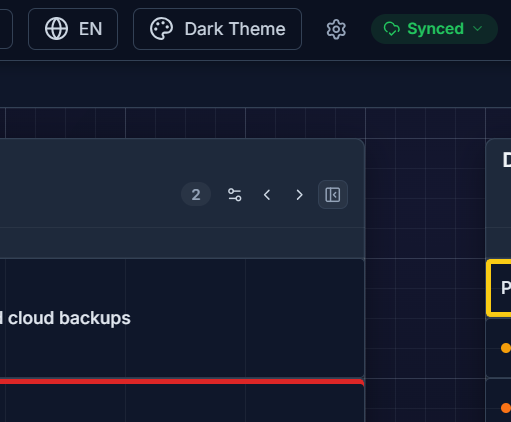
G Kanban has two data modes, and you can see which one you’re in at a glance from the sync status pill in the header.
Local-only
Section titled “Local-only”The default. Your boards live entirely in this browser’s local storage — nothing leaves your device, no account needed. This is a first-class mode, not a stripped-down trial: there’s no feature cap for staying local-only.
Synced
Section titled “Synced”Available once you sign in and enable sync (a Pro capability). Your boards are pushed to the cloud and pulled down on every device you sign into, stored in the EU (Frankfurt) — see Privacy & data location. A synced board is also the only kind you can publish with a public share link.
Switching between them
Section titled “Switching between them”Sign in and you’ll be asked directly whether to keep your existing local data local, or back it up and start syncing. You can also drop back to local-only at any time from Settings by deleting the local data for the active account — see Deleting data & account.