Priority, assignee & due dates
These three fields live in the Details section of a card’s detail panel.
Priority
Section titled “Priority”Pick from None, Low, Medium, High, or Critical, shown as a colored pill. Click the active pill again to clear it back to None. On the card face, priority shows as a small colored dot next to the title.
Assignee
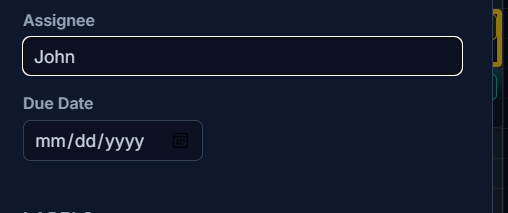
Section titled “Assignee”A free-text field — type any name. There’s no user-identity or team-member system behind it; it’s just a label so you know who owns the card. When there’s room, the assignee shows as a small badge pinned to the bottom-right of the card.
Due date
Section titled “Due date”A native date picker, with a Clear button to remove it. On small cards the due date is hidden to save space and reappears once the card is 3+ rows tall — see Resizing & density.