WIP limits
Any column can have a WIP (work-in-progress) limit — a soft cap on how many cards should be in it at once.
Setting a limit
Section titled “Setting a limit”Set the WIP limit in the column’s settings (gear icon in the column header). Leave it blank for no limit.
What happens when you go over
Section titled “What happens when you go over”WIP limits in G Kanban are visual, not blocking — they’re a nudge, not a wall. When a column is at or over its limit, the card-count badge in the header switches to a warning style and shows a tooltip like “6 of 5 cards (WIP limit) — over WIP limit.”
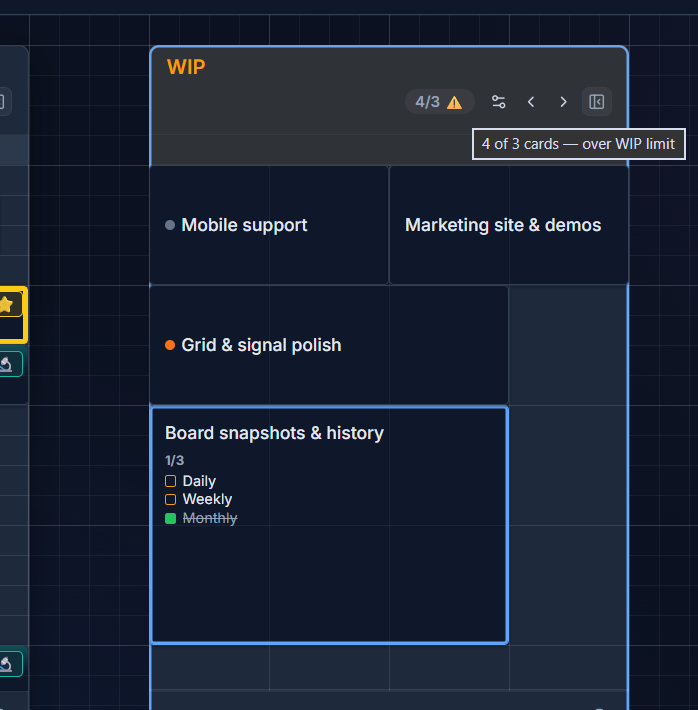
You can still add and drop cards into an over-limit column — G Kanban is telling you, not stopping you.